
7 Best AI Tools for ADHD That Save Me Hours Every Week
Updated: June 2026 | ADHD Friendly | Real World Tested
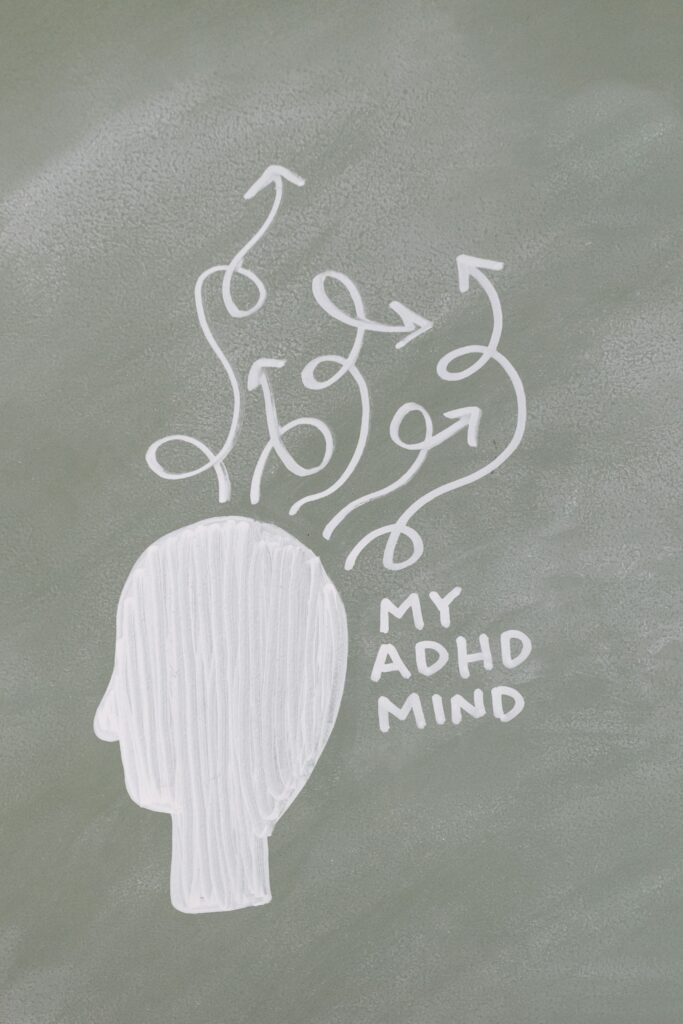
Quick confession: I have ADHD, and for most of my life “productivity” advice made me feel like a broken version of a normal person. Get a planner. Make a schedule. Just focus.
Cool. Great. Tried it. Still staring at the same sentence for 45 minutes while somehow also thinking about whether penguins have knees. (They do, by the way. You’re welcome.)
Here’s what actually changed things: AI tools that work WITH how my brain operates instead of demanding I operate like someone else’s. No hacks. No “just try harder.” Just tools that handle the parts that drain me so I can actually do the parts I’m good at.
These are the 7 I use every week. Genuinely. Not “I tried it once and it seemed fine.” Actually use.
The 7 AI Tools That Work With Your ADHD Brain
1. ElevenLabs — For When Your Eyes Refuse to Read
You know the feeling. You’ve read the same paragraph four times and retained exactly nothing. Your eyes are moving but your brain has left the building.
ElevenLabs turns any text into natural-sounding audio — and I mean actually natural, not the robotic nightmare voice from 2009. Paste in an article, a document, an email you’ve been avoiding for three days, and listen to it while you pace, do dishes, fold laundry, or just close your eyes.
My ADHD brain absorbs things SO much better through audio. If yours does too, this is the tool.
Free tier available. The paid version is worth it if you’re listening to long documents regularly.
[BUTTON: Try ElevenLabs Free → https://try.elevenlabs.io/ojflkgnm60zk]
2. Rytr — For the Blank Page That Has Personally Wronged You
Blank page paralysis is not a character flaw. It is a feature of the ADHD brain, and it is genuinely debilitating when you have things to write and zero ability to start them.
Rytr writes a rough first draft in about 30 seconds. Emails, blog posts, captions, outlines, you name it. Is the draft perfect? No. Does it matter? Also no — because editing something bad is approximately 400 times easier than starting something perfect. The hardest part is the first sentence. Rytr removes that part entirely.
I use it to get SOMETHING on the page, then I make it mine. Game changer for anyone whose brain goes blank the second a cursor blinks at them.
[BUTTON: Try Rytr Free → https://rytr.me/?via=natalie-foster]
3. Goblin Tools — For Breaking Down the Impossible Task
Free. No affiliate link. Recommending it anyway because the ADHD community has basically adopted this tool as its mascot and I would be doing you dirty if I left it out.
Goblin Tools has a “Magic To-Do” feature that takes one big terrifying task (“write the report”) and breaks it into tiny, non-terrifying micro-steps (“open a new document,” “write the title,” “write one sentence about the main point”). It even has a spiciness slider for how granular you need the breakdown to be.
For ADHD brains that freeze at big tasks: this is the unfreeze button. Free at goblin.tools.
4. Otter.ai — So Your Thoughts Stop Disappearing
ADHD tax: the brilliant idea you had at 2 PM that was completely gone by 2:07 PM. The meeting where you nodded along and retained approximately nothing. The voice memo you recorded but never transcribed because that felt like too many steps.
Otter records and transcribes in real time. Meetings, lectures, voice memos, brainstorms — everything gets captured and searchable. Your brain gets to actually be present instead of frantically trying to remember things.
Free tier covers most people’s needs. Apply to their affiliate program coming soon — for now, free at otter.ai.
5. Reclaim.ai — For Time Blindness
Time blindness is real and it is brutal. You sit down to do one thing and somehow it’s been three hours and you’ve done the thing but also reorganized your desktop and read six articles about penguin knees.
Reclaim.ai is an AI calendar that automatically schedules your tasks, protects focus time, and — this is the good part — automatically reschedules everything when life happens. Because with ADHD, life always happens.
It syncs with Google Calendar and just quietly makes your week make sense. Free plan available at reclaim.ai.
6. Writesonic — For Content That Needs to Actually Get Done
Another AI writer, but with a different superpower: Writesonic is faster for longer content and has a solid SEO mode if you’re creating content for a website or blog. Where Rytr is my go-to for short form, Writesonic handles longer pieces without losing the thread.
If you run any kind of content operation and your ADHD makes long-form writing feel like swimming in concrete, this is worth a look. Free trial available at writesonic.com.
(Affiliate link coming soon — I’ll update this when approved.)
7. Motion — For the Person Whose Schedule Collapses Daily
Motion is an AI planner that automatically builds your daily schedule based on your tasks, deadlines, and calendar. Every morning it tells you exactly what to work on and when. When something runs over (it will), it reorganizes the rest of the day automatically.
For ADHD brains that spend 45 minutes every morning trying to figure out what to do first: Motion removes that decision entirely. Free trial at usemotion.com.
The ADHD Productivity Stack (Tl;dr)
Can’t process a whole post today? Fair. Here’s the shortlist:
- Can’t read: ElevenLabs → listen instead
- Can’t start: Rytr → draft in 30 seconds
- Can’t break it down: Goblin Tools → micro-steps
- Can’t remember: Otter.ai → records everything
- Can’t manage time: Reclaim.ai → AI calendar
- Can’t write long form: Writesonic → handles it
- Can’t plan the day: Motion → does it for you
Start with one. The one that solves your biggest daily drain.
One More Thing (the Analog Bonus)
If you want to pair your digital toolkit with something physical, the book that reframed everything for me is The ADHD Advantage by Dale Archer. It’s the first productivity book I read that didn’t make me feel broken. Worth every penny.
(Amazon affiliate link — I earn a small commission at no cost to you.)
Frequently Asked Questions
Are AI tools good for ADHD?
Yes — specifically because they reduce the number of steps between you and getting something done. Fewer steps = fewer places for an ADHD brain to get derailed. The tools on this list all remove friction, which is the enemy.
What is the best free AI tool for ADHD?
Goblin Tools for task breakdown, Otter.ai for capturing thoughts, and the free tiers of ElevenLabs and Rytr are all genuinely useful without spending anything.
I can’t stick with any tool. What do I do?
Start with ONE. The one that solves your single biggest daily problem. Don’t build a system. Just add one tool to one problem. You can add more when that one feels automatic.
If you’re a student, I made you your own version:
[best AI tools for students with ADHD]
The Mintedware Bottom Line
The goal isn’t to become a productivity robot. It’s to spend less energy on the parts that drain you so you have more left for the parts that light you up.
Your ADHD brain is not broken. It just needs different tools. These are mine.
ElevenLabs if listening beats reading. Rytr if starting is the problem. Goblin Tools if big tasks make you freeze. Pick the one that matches your biggest drain and start there.
📬 Want the best AI tools dropped straight to your inbox? GetMinted — It’s Free →